
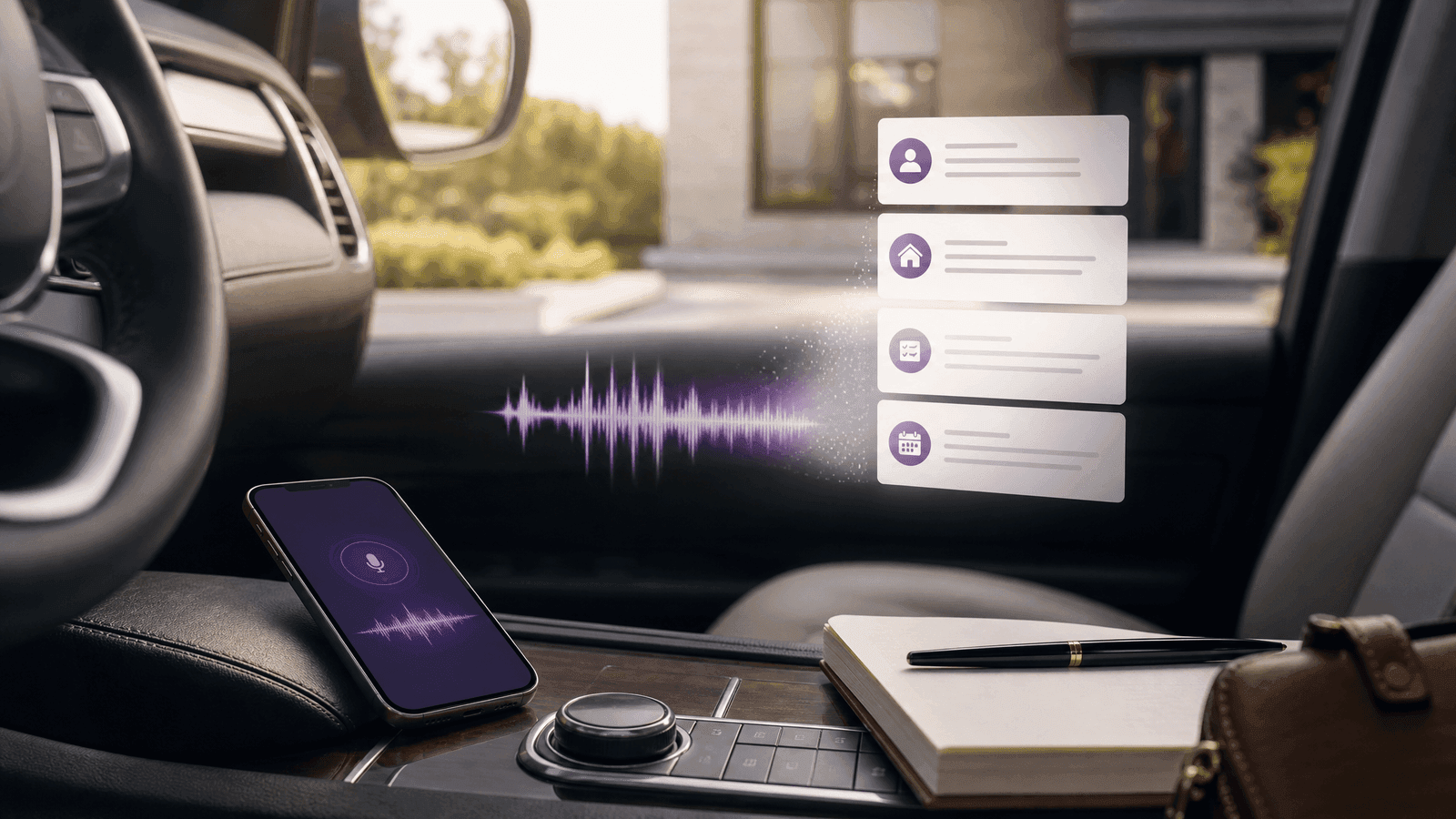
A voice CRM for real estate works when it helps agents capture details in the moment instead of cleaning up the day later.
That is the real value.
The point is not to make CRM software sound futuristic. The point is to reduce the admin burden that makes agents avoid their CRM in the first place.
If you can dictate notes right after a showing, call, or appointment — and turn those notes into organized follow-up — you are not just saving time. You are protecting the details that actually move deals forward.
Why typing notes later is such a bad system
A lot of agents still rely on this workflow: - get through the day - remember everything later - update the CRM that night
That sounds manageable until the day gets busy.
Then the details start slipping.
By evening, what gets left out is usually the most important part: - what they really loved - what made them hesitate - what they said mattered most - what you promised to send - when you need to follow up again
The result is usually a thin note and a weaker next step.
Why voice works better for many agents
Voice works because it matches the reality of the job.
Real estate is mobile. You are often moving straight from one interaction to another.
It is much easier to quickly say: - what happened - what they liked - what they objected to - what to do next
than it is to promise yourself you will remember all of it later.
That is why a voice-friendly CRM workflow can change behavior much more than another feature tab ever will.
What a voice CRM should actually do
A useful voice CRM should not just store audio.
It should help convert voice into usable CRM structure.
That means the workflow should turn spoken notes into: - contact updates - showing feedback - next-step reminders - property preferences - follow-up timing
If the note still requires a bunch of cleanup afterward, the system only solved half the problem.
A practical example
Imagine leaving a showing and saying:
“The Johnsons loved the backyard, liked the kitchen, thought the bedrooms were a little small, still want to stay around 425, and want to see Maple Ridge next week. Follow up Saturday morning.”
A good voice CRM workflow should turn that into: - showing notes saved to the contact - budget preference updated - objection logged - next property noted - Saturday follow-up reminder created
That is the standard.
Not just “recorded successfully.” Actual next-step usefulness.
The strongest use cases for a voice CRM in real estate
After showings This is probably the best use case.
Capture immediately: - reactions - objections - next properties to send - updated criteria
After buyer or seller calls You can quickly log: - timing - urgency - motivation - financing context - what to send next
After listing consultations This is a great time to capture: - seller concerns - price expectations - decision-makers - timing and hesitation points
Between appointments This is where voice wins over typing.
You do not need a full keyboard session to save the important details while they are still fresh.
The practical test
The useful test for voice CRM workflow is not whether the idea sounds good when you are calm. It is whether it survives a Tuesday when you have calls to return, a showing running late, a buyer asking for context, and three small follow-up promises competing for space in your head. That is where most CRM advice breaks down. It assumes the agent has unlimited attention for administration. Real agents do not.
So the question is simple: does the system reduce the number of things you have to remember manually? If it does, it earns its place. If it only gives you a prettier place to forget things, it is not a system yet. The entire point is to catch knowing exactly what happened after a showing and losing the details before you sit down to type before it turns into a missed opportunity.
A simple workflow to copy
Start with one repeatable loop instead of trying to redesign your whole business at once. For this article, the loop is: dictate the note while parked, capture the client context, and turn the note into a reminder or next action before the day moves on. Write that down as the minimum viable workflow. Then run it with five real contacts before you touch the rest of your database.
The five-contact test keeps the work honest. Pick one active buyer, one active seller, one warm lead, one past client, and one long-term sphere contact. If the workflow handles those five records clearly, you can scale it. If it feels confusing with five records, it will get worse with five hundred.
When a system works, you should be able to answer three questions quickly: what happened last, what needs to happen next, and when should I see this person again? If you cannot answer those without digging, the CRM is storing information but not creating clarity.
What this looks like in Client Keeper
Client Keeper is built around the idea that a solo agent should not need a team operations manual to stay consistent. The goal is not to turn every relationship into a complex campaign. The goal is to make the next right action visible enough that you actually do it.
That is where Myra matters. Instead of waiting until the end of the day to type everything from memory, you can capture context while it is still fresh and turn it into a note, task, or reminder. The product is not trying to replace your judgment. It is trying to protect the details your future self will need when the week gets noisy.
The same principle applies whether you are migrating CRMs, comparing tools, building a follow-up cadence, or trying to remember birthdays and housiversaries. A good CRM should make your relationship work easier to maintain. It should not make you feel like you took on another part-time admin job.
Mistakes to avoid
The most common mistakes are usually small enough to seem harmless at first:
- using voice notes as a dumping ground
- recording while driving
- forgetting to connect the note to a contact
- capturing observations without a follow-up action
None of those mistakes means the strategy is bad. They usually mean the workflow is too vague. Tighten the workflow before you blame yourself for not being consistent.
How to know it is working
You know voice CRM workflow is working when you stop relying on heroic memory. The proof is not that your CRM has more fields filled out. The proof is that fewer people slip through the cracks, fewer promises live only in your head, and more follow-ups happen while they still feel timely.
A good system should feel almost boring after a few weeks. You open it, see what matters, update what changed, and move on. That is the quiet win. The CRM becomes less of a project and more of a daily operating rhythm. For most solo agents, that is the difference between buying software and actually getting leverage from it.
The weekly review that keeps this from getting stale
Set one recurring appointment with yourself each week to review the system. Keep it short. Fifteen minutes is enough if the work is focused. Look for overdue follow-ups, contacts without a next step, recent conversations that never became notes, and dates that should trigger a personal touch.
This review is not about building a perfect database. It is about restoring trust. A CRM becomes useful when you believe that important relationships will surface at the right time. If you stop believing that, you will drift back to memory, sticky notes, and whatever text thread happens to be at the top of your phone.
The review should end with a small number of actions. Move the reminders that are still relevant. Delete or archive what is noise. Add context where the record is too thin. Then close the system and go back to selling. The whole point of a simple CRM is that it gives you leverage without turning the administrative layer into the main event.
If you are not sure whether the system is working, ask one question at the end of each week: did it help me remember someone I might have otherwise missed? If the answer is yes, keep tightening. If the answer is no, simplify until it does.
A quick voice workflow scorecard
A voice CRM should do more than store audio. Give it one point if it connects the note to the right contact, one if it summarizes what mattered, one if it creates or suggests a next action, one if it works naturally on mobile, and one if you can find the note later. If the audio disappears into a folder, the workflow is not finished.
Why this matters for SEO and AI search too
This topic is stronger than it might look.
It answers a real and specific workflow question. That makes it much more useful for AI-answer-engine visibility than generic “AI CRM trends” content.
It is also easier to rank than broad CRM category terms because it is more focused and less saturated.
And for Client Keeper specifically, it aligns tightly with Myra.
That is what makes it commercially useful too.
Where Client Keeper can stand out
Client Keeper’s best story here is not just “we have AI.”
It is: - you can capture details faster - you can reduce late-night data entry - you can keep more follow-up context while it is fresh - you can turn real-life conversations into useful CRM actions
That is the difference between a buzzword and a real use case.
Final takeaway
A voice CRM for real estate is valuable because it closes the gap between what happened and what gets saved.
That gap is where details get lost, follow-ups weaken, and good intentions turn into CRM neglect.
If a voice-friendly workflow helps you update your CRM in real time instead of after the day is already over, it can make the system dramatically easier to keep useful.
And for many agents, that is the difference between owning a CRM and actually using one.
Why this matters
Speed and specificity compound. MIT and InsideSales research is commonly summarized as showing that leads contacted within five minutes are 21 times more likely to qualify than leads contacted after 30 minutes.
NAR's 2025 Profile also reported that 88% of buyers purchased through an agent and 91% of sellers used an agent, which is a reminder that the relationship layer is still where trust is won.
Frequently asked questions
What is a voice CRM for real estate?
A voice CRM workflow lets agents dictate notes, feedback, and follow-up context instead of typing everything manually later.
Why is voice better than typing for many agents?
Because it is faster in the moment and reduces the risk of forgetting important details after a busy day.
What should a voice note become inside the CRM?
At minimum: contact notes, showing feedback, next-step reminders, and updated preferences.
Is recording audio alone enough?
No. The real value is turning the note into organized follow-up and CRM structure.
Is a voice CRM just transcription?
No. Transcription is only the first step. A useful voice CRM turns spoken context into CRM fields, notes, reminders, and next actions that you can find later.
Keep reading

Author
Phillip Shepard
Founder of Client Keeper / Licensed Realtor #89829 / Collier and Associates
Phillip Shepard is the founder of Client Keeper and a licensed Realtor (#89829) with Collier and Associates in Bentonville, Arkansas. He writes about practical CRM systems for agents who need follow-up to become easier, not louder.